
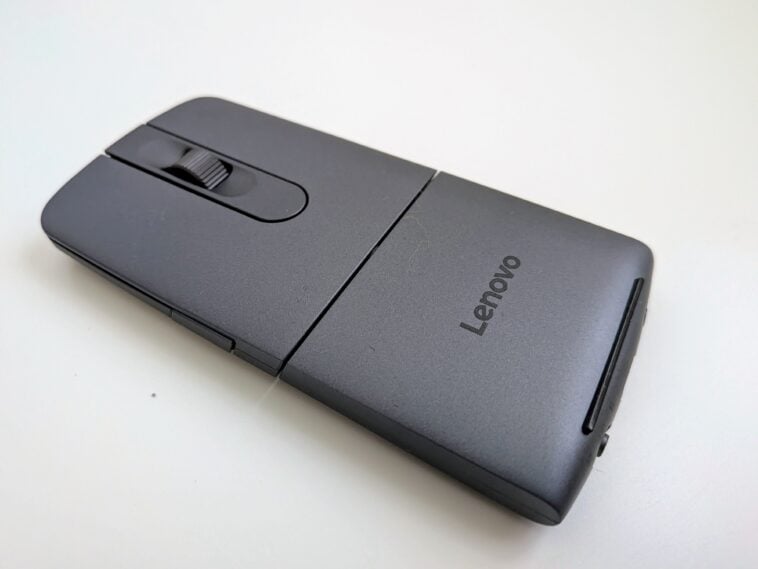
An iconic duo: a Lenovo ThinkPad laptop and a slim, black laptop bag. What would make it even better is a slim travel mouse for folks who can’t stand using a trackpad for even a moment. That’s what the Lenovo ThinkPad Presenter Mouse is, and more — a thin, easily portable mouse that can twist into a flat, handheld presentation aide. While it’s not a perfect execution of the idea, this mouse could still be a great buy for anyone who needs a mouse with a little extra on the go.
The Lenovo ThinkPad Presenter Mouse is a very small mouse — measuring 5.37 inches x 3.96 inches x 1.93 inches — it will fit completely within most hands. It comes shipped flat, which is the mouse in presenter mode. In that mode, the mouse becomes a slide presentation aide when used with a device connected over Bluetooth, with left and right click becoming slide navigation buttons. Twist the device, and it goes from flat to arched and becomes a small mouse.
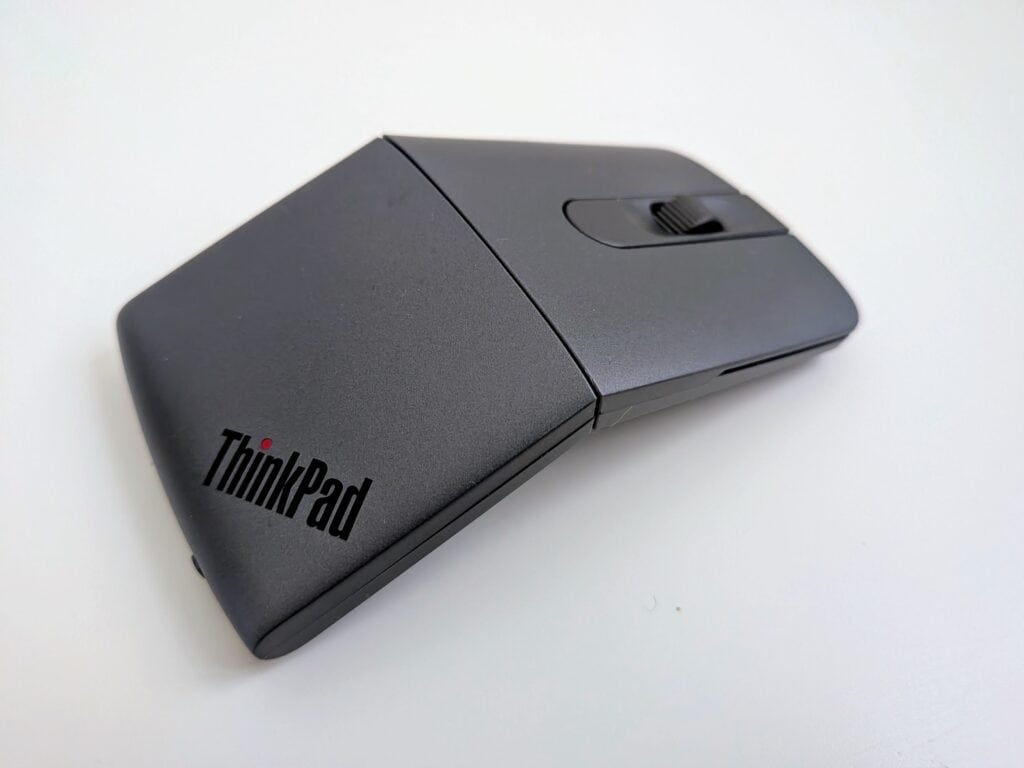
Setup is easy — the mouse can be connected to two devices over Bluetooth, with a physical switch on the mouse to select one or the other. The mouse has Tap to Pair and Microsoft Swift Pair, so getting connected to a laptop is as easy as switching the mouse to Bluetooth 1 or 2 for the first time, and following a prompt. There’s still a pairing button near that Bluetooth slider in case you need it, and a USB-C charging port that you won’t need too often — according to Lenovo, the mouse should get two months of use on one charge.
In use, it’s not the perfect mouse — earlier, when I said the mouse is small enough to fit into your hand, I imagine quite a few folks didn’t take that to be a good thing. Like most other smaller mice, it’s not comfortable to use for long periods. It is responsive, though, and despite how small it is, it’s not bereft of extra buttons and features. There’s a middle scroll wheel that has middle click, a button behind the scroll wheel, and a side button. Most everything works well, although the scroll wheel could have used a little more resistance, and the side button is stiff enough to where it’s awkward to activate.
Downloading the Lenovo Accessories and Display Manager allows you to reassign buttons and customize features. By default, the button behind the scroll wheel switches between three DPI presets, which can be changed (4,000 DPI is the max). The side button brings up Lenovo Qira, their cross-device AI platform (which is what makes this mouse ‘Aura Edition’). If you use a lot of AI across many Lenovo computers, that might be handy — if not, you can reassign the button, and you have a lot of options. It can be assigned to open applications, act as a play/pause button for music, or perform cut, copy, or paste, among many other uses. You can also assign it to be the DPI toggle, and assign the center button to something else.
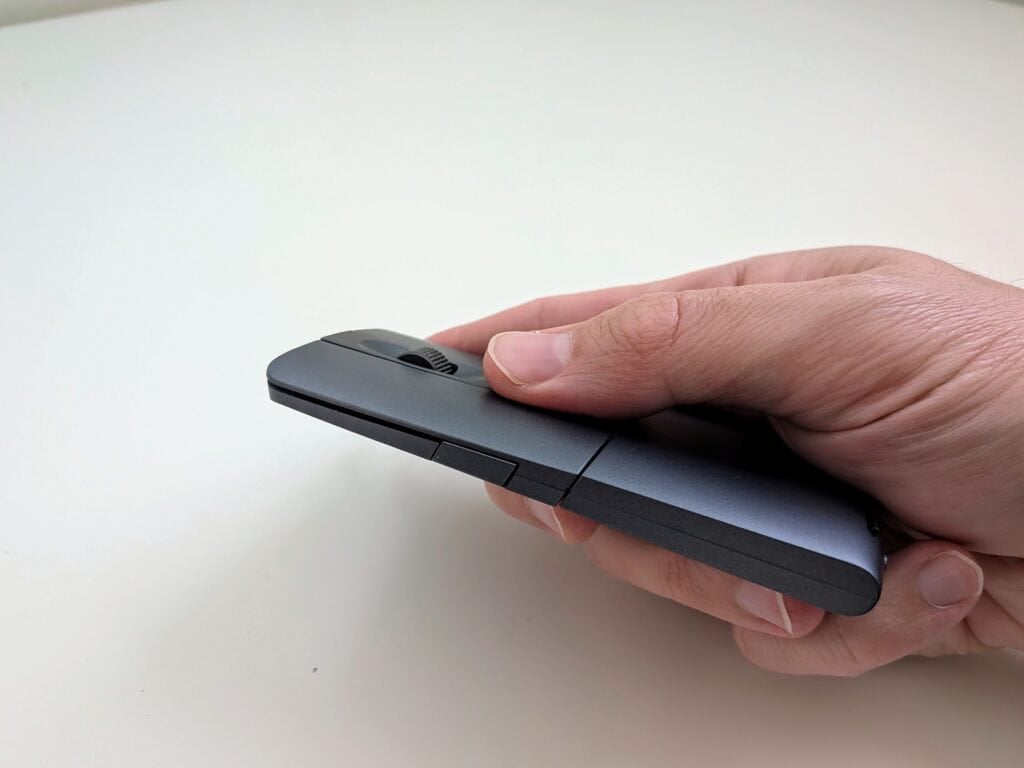
When twisted flat into presenter mode, the mouse can be used as a remote for giving presentations. The left and right click buttons navigate slides forward and back, while the center button can be used as a cursor, a virtual laser pointer, a spotlight, or a magnifier. The size and strength of the spotlight and magnifier can be adjusted in the software. Double tapping that button cycles between the four uses, while holding the button down activates whatever feature you’ve chosen.
All those features work well enough, but there are some missed opportunities that feel like they would be intuitive. Surprisingly, the side button is disabled in presenter mode, and the scroll wheel can’t be used to zoom in and out when in magnifier mode. My first instinct would’ve been to use the side button to activate the magnifier, then use my thumb to zoom in and out with the scroll wheel. It’s still not bad as a presentation aide, but it does feel like some low-hanging fruit got left on the tree.
Bottom line
The Lenovo ThinkPad Presenter Mouse Aura Edition is currently available for $73 at Lenovo.com, and for the right situation it seems like a good deal. It definitely means business (no surprise given it’s a ThinkPad device) — unless you’re giving PowerPoint presentations for fun, this mouse only makes sense for work, and specifically travel days.
When you’re in your regular office, you’ll probably still want a larger mouse that you can use more comfortably for long periods. But, if you don’t have much room in your travel bag, being able to twist this mouse flat and slip it into small pockets of space is pretty satisfying. It’s light as a feather, too.
The presentation tools are nice little extras. With just a few more customization options it could have been really awesome as a presenter remote, but it gets the job done as a simple slide navigator. As a mouse, it was a little more versatile than I was expecting for one this small and light. The side button defaulting to opening Qira AI didn’t do much for me, but I was pleased that it was fairly easy to reassign that button to something on a surprisingly long list of other uses.
Ultimately, it’s a very specific person who will want this. If you travel a lot for work and have to give a lot of presentations, the Lenovo ThinkPad Presenter Mouse makes a ton of sense as a travel companion. It’s one device you need to pack instead of two, and it takes up almost no space in your bag. If you don’t mind paying a little extra for that kind of convenience, it’s worth a look.