
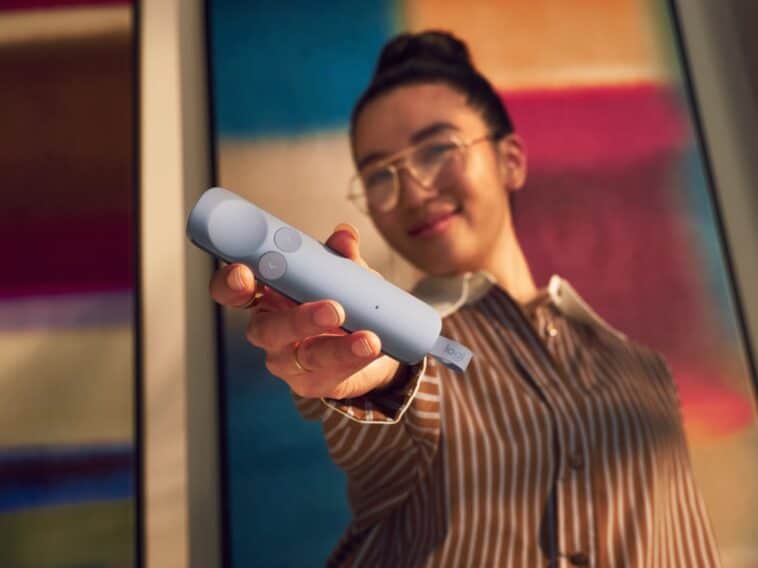
Giving presentations can be stressful. Forgetting your next slide is one thing, but trying to juggle a clicker, laser pointer, and audience engagement at the same time can make things even harder. Logitech thinks it has a solution with its new Spotlight 2 presentation remote.
Priced at $130, the Spotlight 2 is designed for anyone who regularly presents, whether that’s in a classroom, meeting room, conference hall, or over Zoom. While it handles the usual slide-clicking duties, it also adds several features to help you feel more confident and keep audiences focused on the discussion.
A Presentation Remote That Helps You Stay Calm
One of the most interesting features is something you don’t normally find in a presentation clicker: guided breathing. Before you start speaking, Spotlight 2 can use gentle haptic pulses to guide your breathing and help calm pre-presentation nerves.
It’s a simple idea, but one that could be surprisingly useful for anyone who gets butterflies before stepping in front of an audience. The remote also uses force-sensitive controls and tactile feedback, so you can navigate slides and activate tools without constantly looking down to see what button you’re pressing.
More Than Just a Laser Pointer
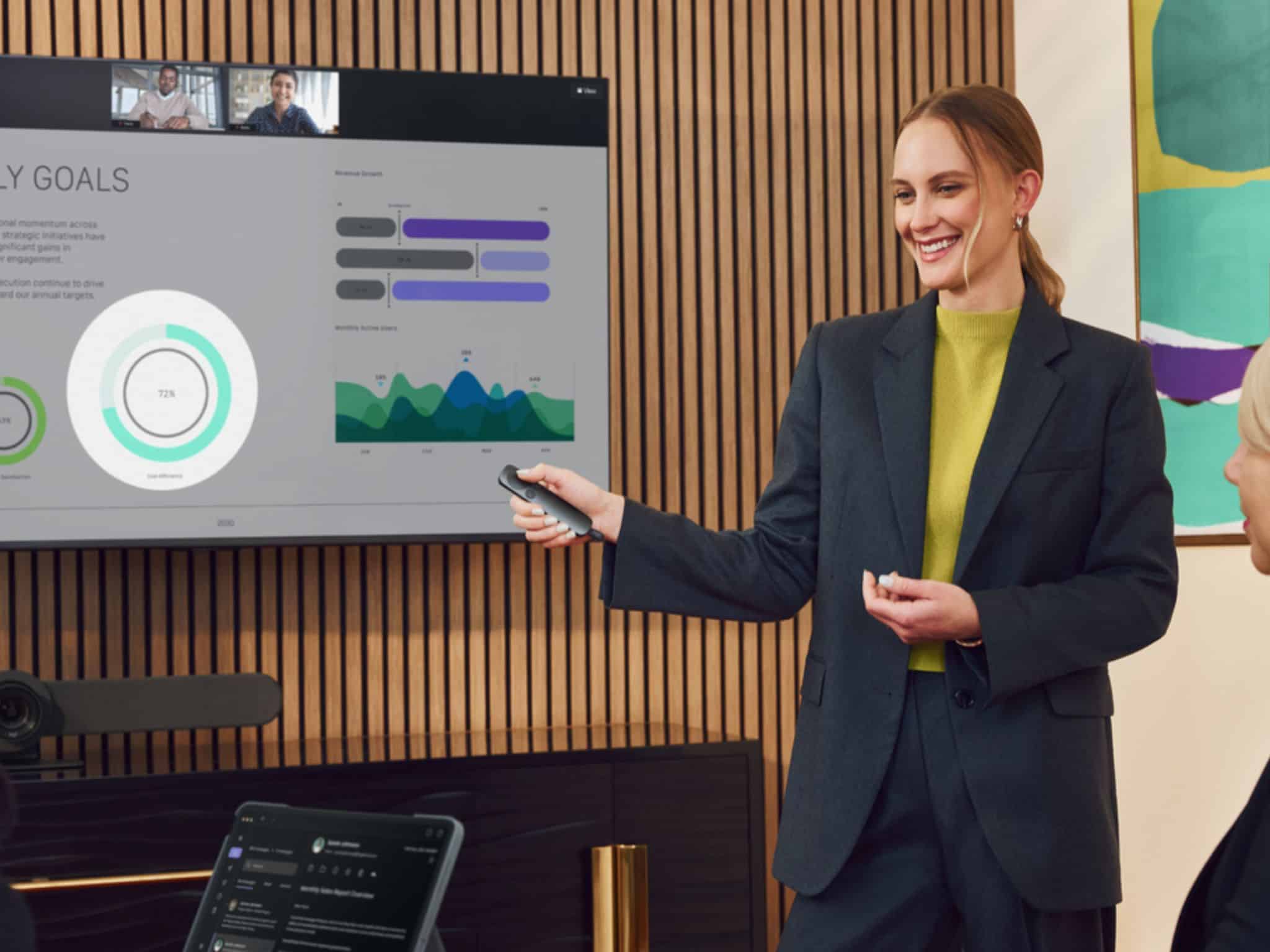
Spotlight 2 still includes a traditional Class 1 laser pointer, but Logitech is betting that the included digital presentation tools will become the bigger draw. In addition to the laser, you can use effects like Spotlight, Squarelight, Magnify, Annotation, and Digital Pointer to draw attention to specific parts of a presentation.
These tools work particularly well for hybrid meetings and virtual presentations where a standard laser pointer isn’t always effective. Even better, the highlight button provides haptic feedback, so you’ll know when an effect has been activated without breaking your flow.
Customize the Logitech Spotlight 2 Your Way
If you like tailoring your tools to your workflow, you can customize Spotlight 2 through Logitech’s Logi Options+ software. It has a programmable Action Button that you can assign shortcuts to, such as starting a presentation, muting audio, pausing content, or blanking the screen.
This flexibility makes it feel more like a presentation command center than a basic clicker. To make things even better, the remote works with most presentation software, including PowerPoint, Google Slides, and Keynote.
Built for Travel
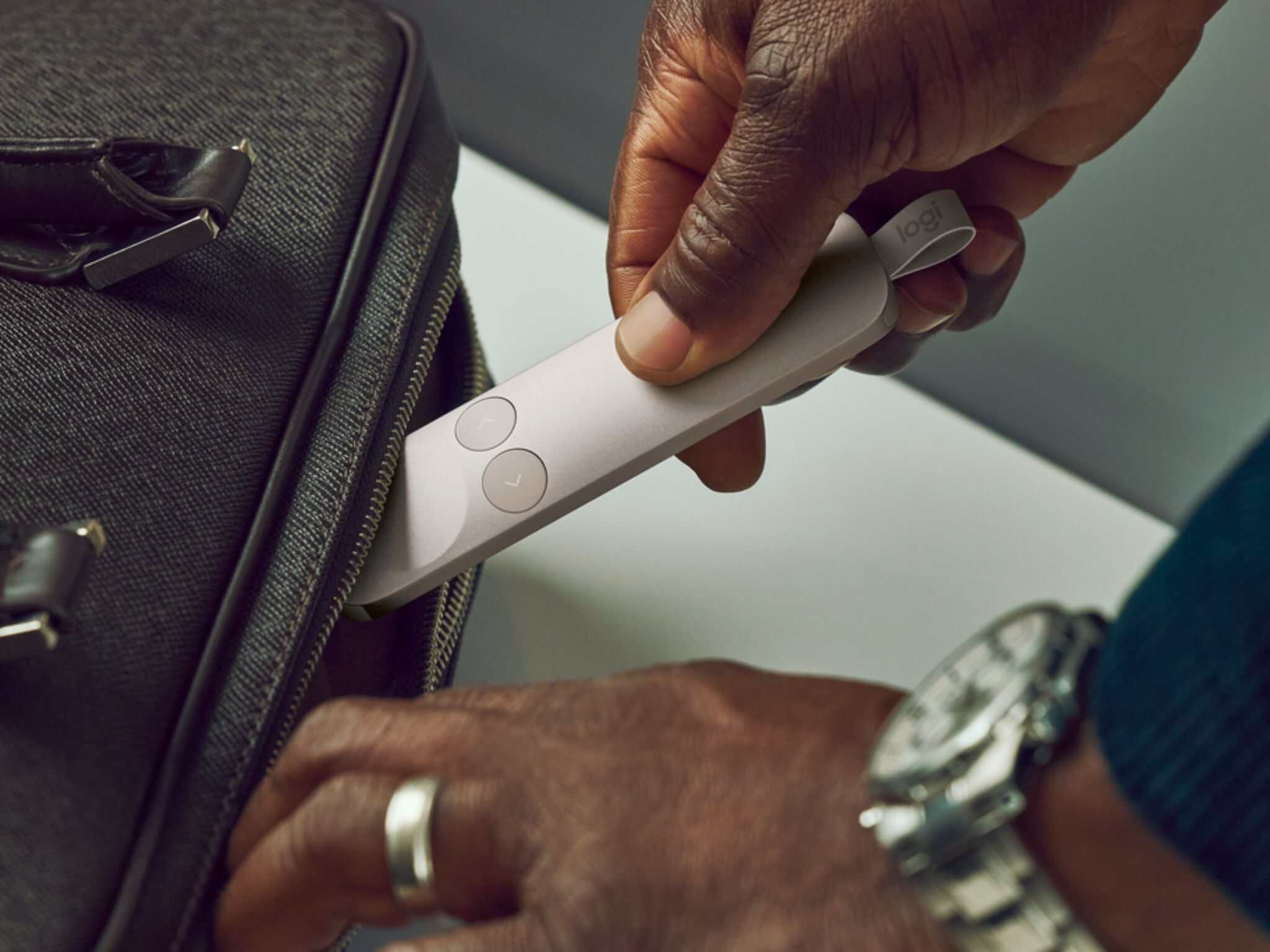
Logitech also paid attention to portability. The Spotlight 2 features a compact design and connects via Bluetooth or the included Logi Bolt USB-C receiver, offering a wireless range of up to 100 feet.
Battery life is impressive too, with up to three months of use on a full charge. And if you forget to charge it before an important meeting, a quick one-minute charge provides enough power for about three hours of presenting.
Worth the Upgrade?
At $130, the Spotlight 2 is, undoubtedly, in premium territory. But if presentations are a regular part of your job, the combination of advanced highlighting tools, customizable controls, long battery life, and even stress-reducing features could make it a worthwhile addition to your work setup. While it might still be a presentation remote at its core, Logitech is clearly trying to make it a lot smarter than the average clicker.