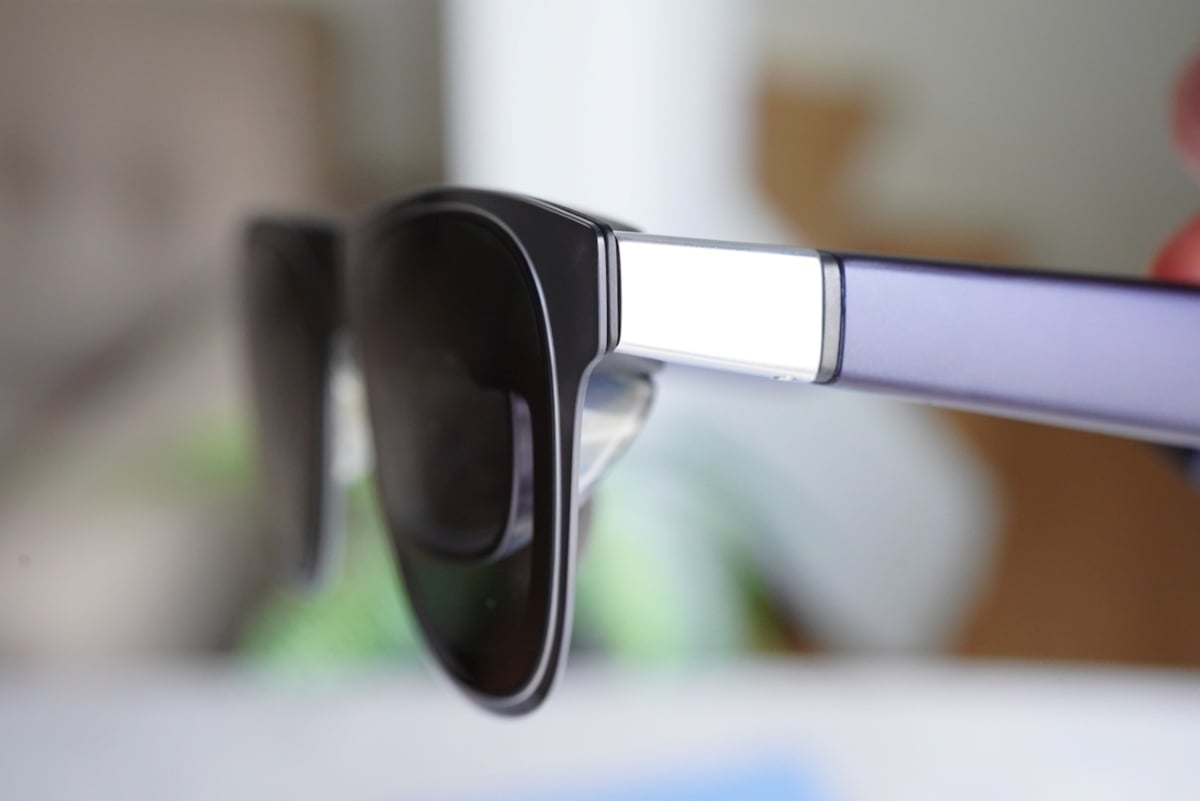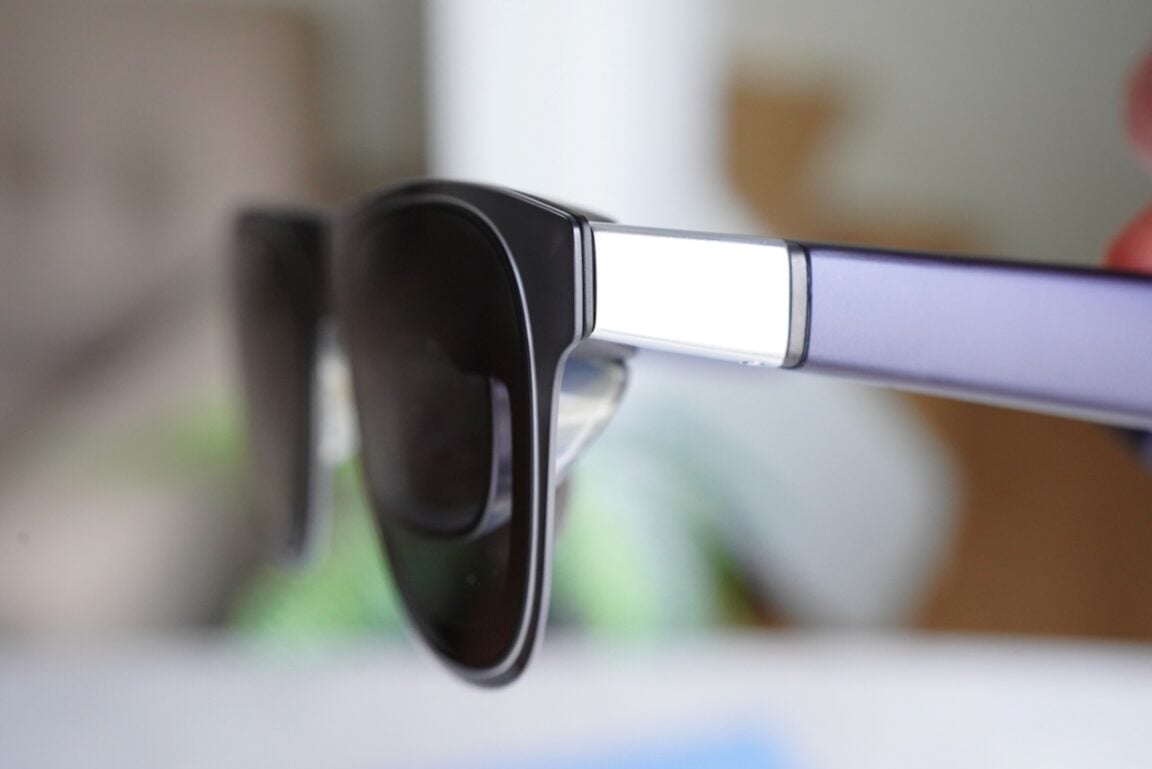
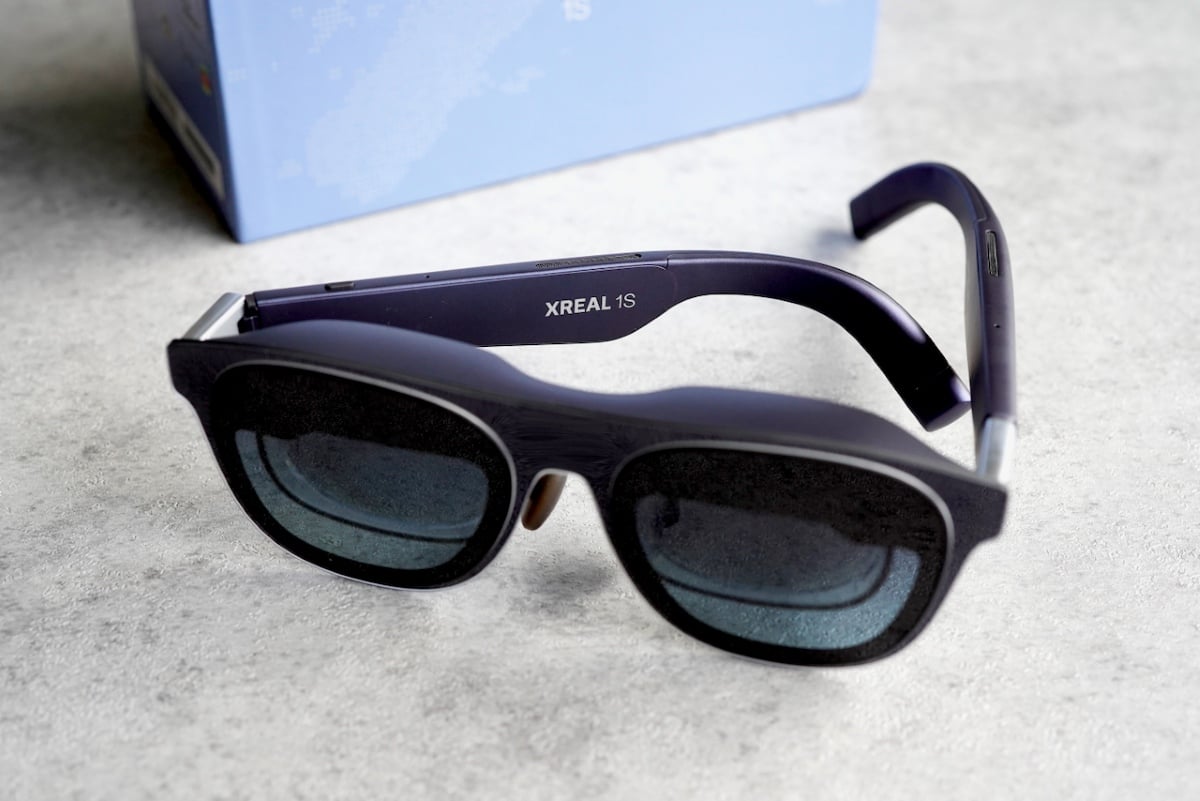
Is it a pair of sunglasses? Are they Meta AI glasses? Nope, they’re much more practical than that. The XREAL 1S is one of the best ways right now to carry a large private screen with you, without committing to VR, bulky headsets, or a complicated ecosystem.
These “spatial display glasses” connect over USB-C to your phone, laptop, or gaming console and overlay a virtual display that you can size to your liking, up to a supposed 500-inches.
This long-anticipated update to XREAL’s lineup brings a sharper 1200p image, a smooth 120Hz refresh rate, and built-in stabilization, all at a price that finally makes the category feel approachable. If wearable displays are new territory for you, this might be the most compelling entry point yet.
Spatial Display Glasses: The XREAL 1S
The easiest way to understand the XREAL 1S is to think of it as a monitor replacement you can wear, not a headset you step into. It is not VR, and it is not trying to immerse you in a virtual world. Instead, it places a single, large display in front of you while keeping you aware of your surroundings at all times.
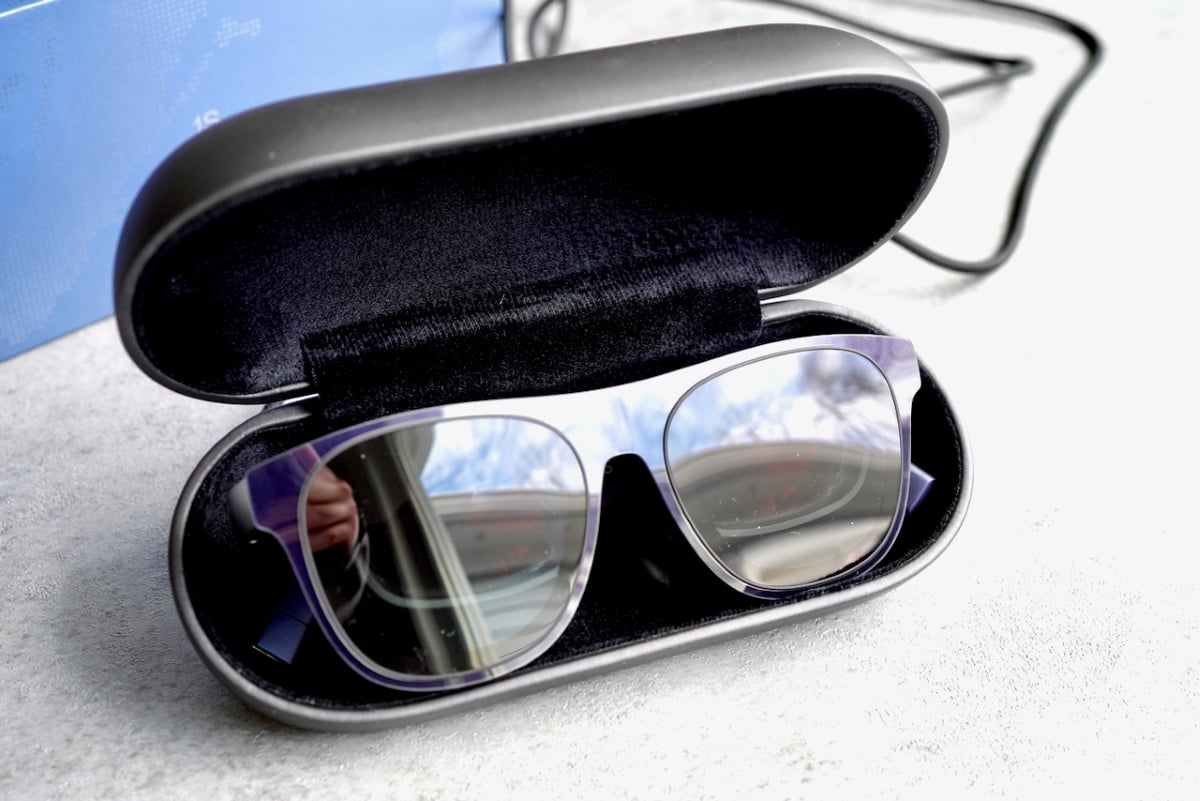
The glasses connect over USB-C to a wide range of devices including laptops, phones, and gaming consoles, and they do not have a built-in battery. That turns out to be a feature rather than a limitation. There is nothing to charge, no pairing process, and no background software running. You plug them in and they work with few exceptions.
Despite looking like relatively normal sunglasses, these are not something you would casually wear around. Even when the lenses are undimmed, the presence of the screen creates a noticeable break in your field of view. Your eyes are constantly balancing a fixed virtual plane with real-world depth, which makes walking around or interacting with your environment feel awkward and unsafe.
These glasses are best used intentionally—when you are sitting, standing, or on a controlled exercise machine—rather than moving freely through the world.
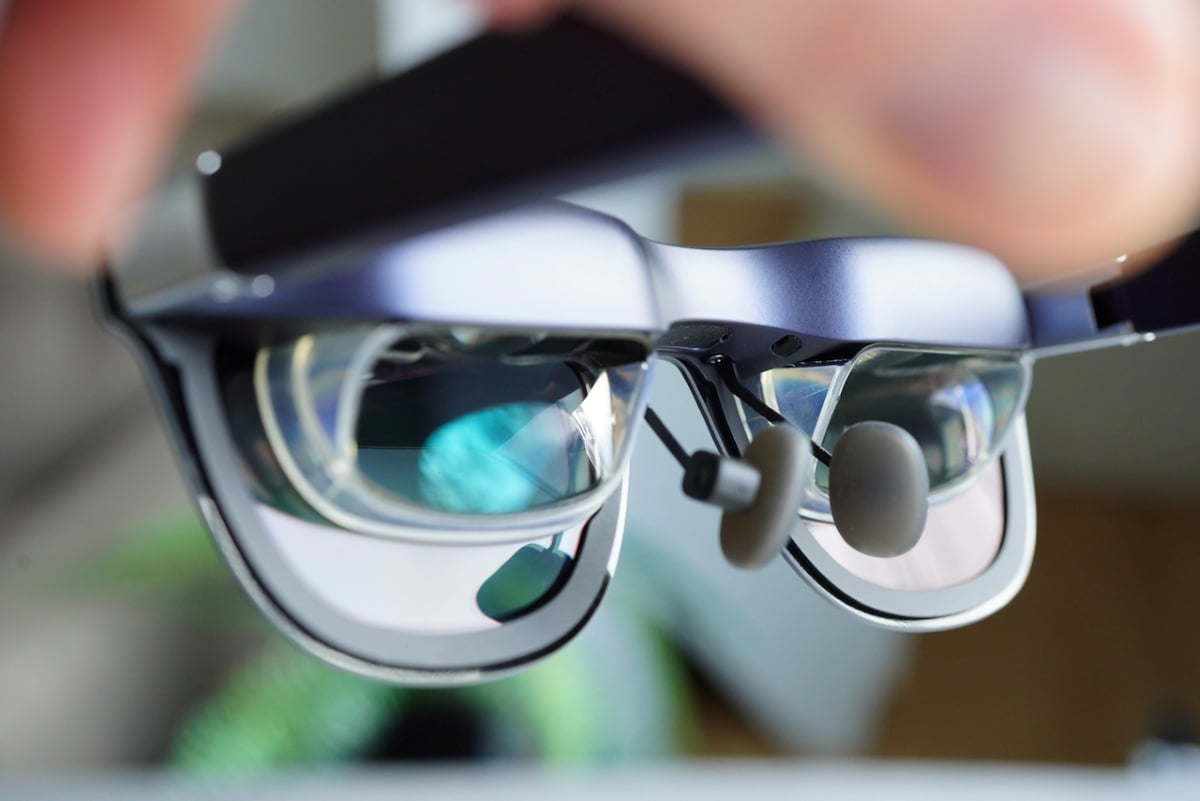
What makes the 1S more compelling than earlier models is that much of the experience is now built directly into the glasses. Screen anchoring and stabilization no longer require an external accessory, and nearly all customization lives on-device.
You can adjust screen size, distance, tilt, leveling, interpupillary distance, stabilization strength, and color temperature using the physical controls on the glasses themselves. There is no companion app, but once you discover the menu system, it becomes clear that very little is missing.
The result is a device that feels more self-contained and more practical than most wearable displays. It still asks for compromise, but it also delivers a level of flexibility that starts to justify wearing a screen on your face in the first place.
Real-Life Performance
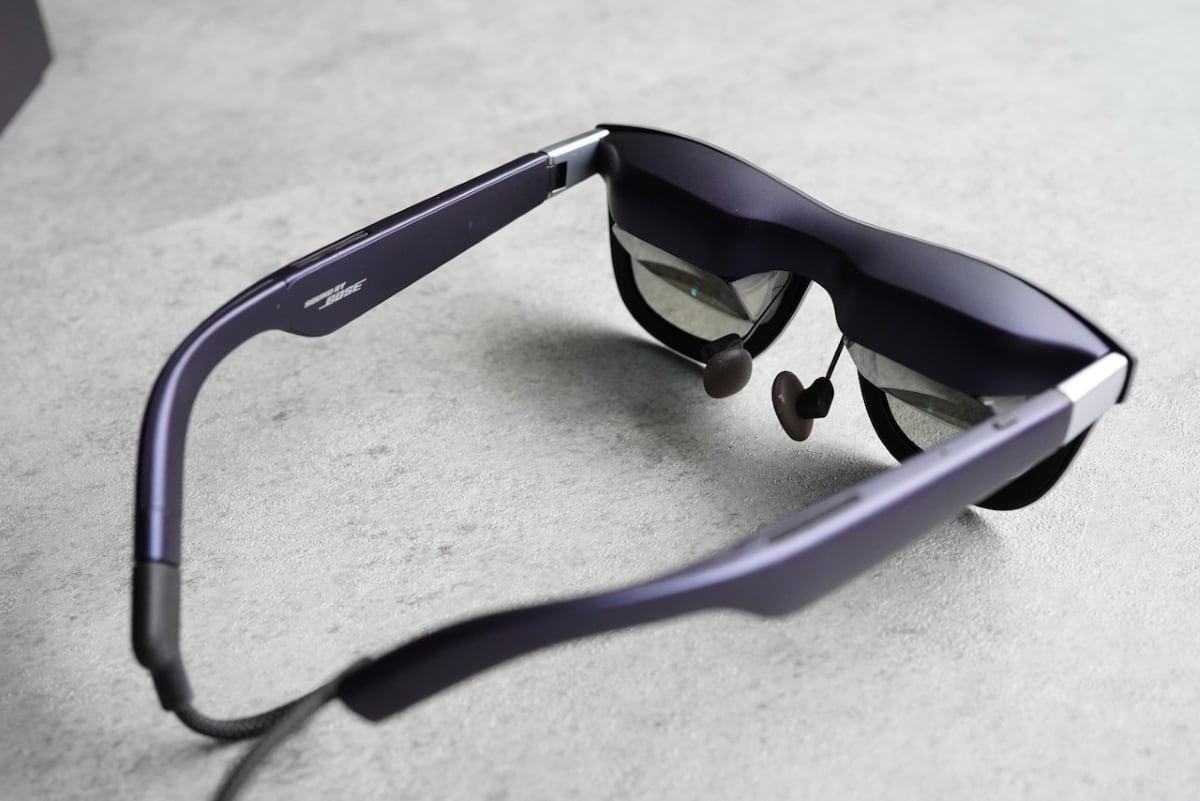
In day-to-day use, the XREAL 1S is surprisingly usable, but never invisible. The glasses are lighter than previous XREAL models and comfortable enough to wear for about an hour before needing a break, though you’re more aware of them since the display sits on your face. The nose pads weren’t an issue, and I didn’t experience neck fatigue thanks to the flexibility of screen positioning.
Pinning the display slightly above eye level encourages better posture and makes slouching harder. Heat becomes noticeable near the forehead over time, but the glasses never get hot or uncomfortable.
Fatigue mostly comes from eye strain or switching focus between the virtual screen and the real world, which is most noticeable when you realize you need to look down and line up your fingers with your keyboard or phone screen.
Image quality is solid. Text is sharp, small details are clear, and nothing about the display felt compromised compared to a traditional monitor. I often ran the glasses at 1920×1200 connected to my MacBook, and the experience felt similar to working on a large desktop monitor positioned a couple of feet away.
Ultra-wide modes give you even more space, but they do require more head movement to scan the screen.
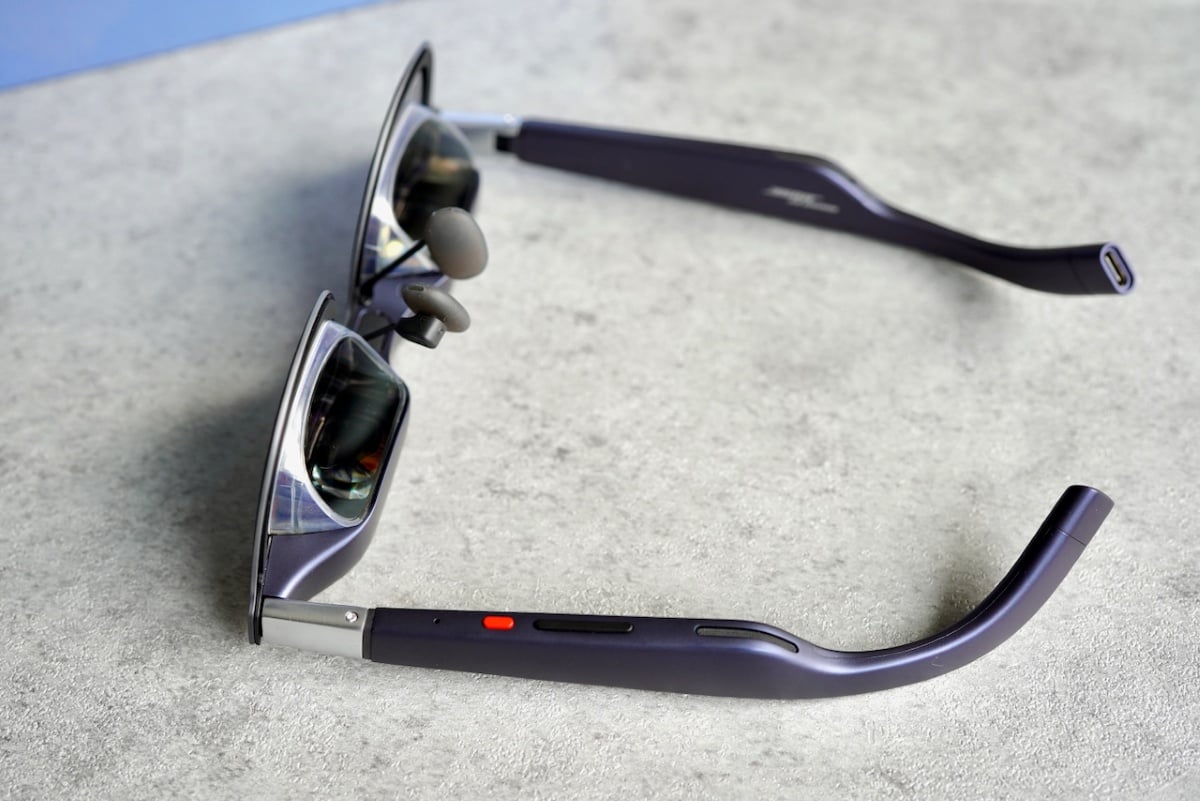
Built-in stabilization is where the 1S meaningfully separates itself from earlier models. Follow mode keeps the screen locked to your view with enough smoothing that walking on a treadmill feels comfortable and usable.
Anchor mode holds the screen in space and is easy to re-center if it drifts. I was able to read most content while walking at a normal pace, though I wouldn’t want to deal with dense or tiny text. That feels less like a limitation of the glasses and more like a reality of trying to read anything while moving.
The biggest improvement came once I dug into the on-device controls. There’s no companion app, all the visual settings you could want are available in a floating menu accessed through the physical buttons.
Being able to make the screen slightly smaller and bring it closer to my eyes made a huge difference in comfort and reduced fatigue noticeably. This flexibility turns the 1S from something you tolerate into something you can actually dial in for your preferences.
While my favorite use-case was using these to do work at home and on-the-go, the XREAL 1S really shines is media consumption and gaming. Watching video on a screen this large feels genuinely cinematic, especially in situations where a TV or monitor isn’t practical.
Games benefit even more from the scale, delivering a sense of immersion that feels closer to playing on a massive display than using a handheld. It’s not VR, but the sheer size of the screen makes games feel more engaging and dramatic, and it’s one of the clearest examples of why wearing a display like this can actually make sense.
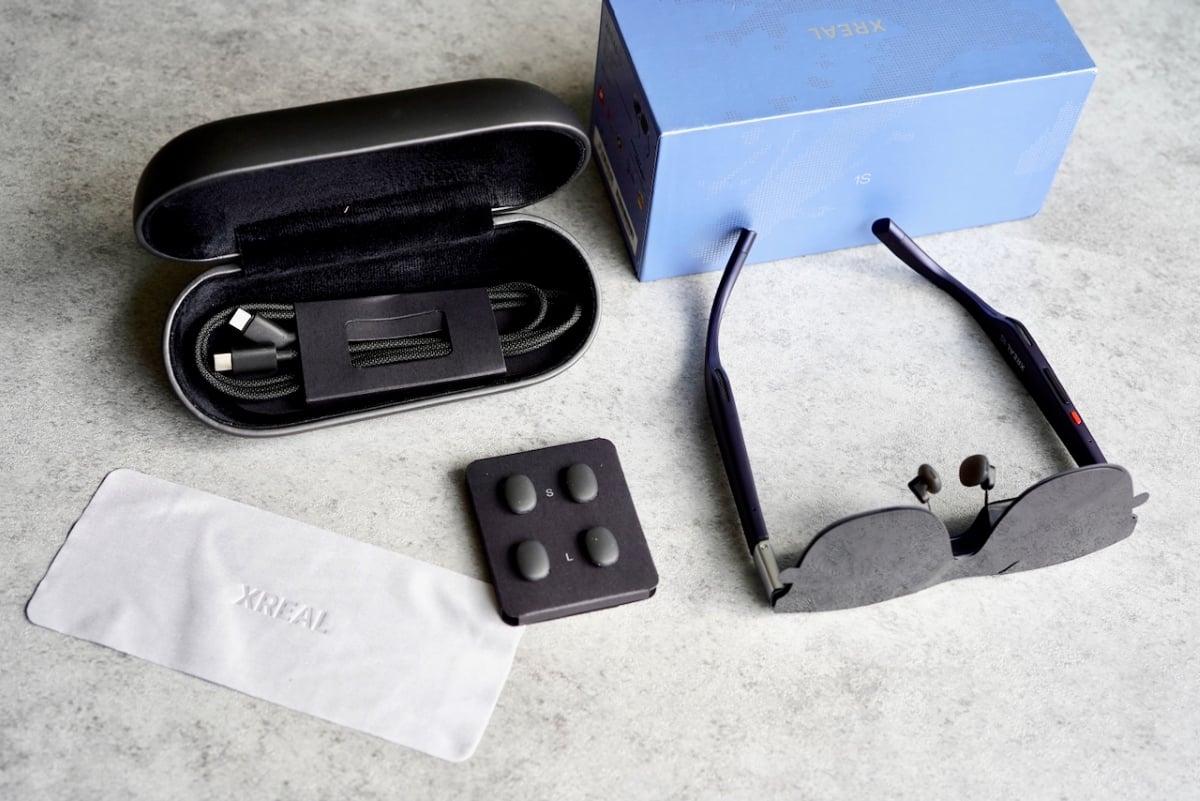
For working, privacy is a strong real-world benefit. In public spaces, having a large private screen feels freeing, especially when traveling. It could be the perfect companion on an airplane — it’s easy to pack in the included case, and you have complete privacy with the largest possible screen. I especially love pinning the screen above eye level to improve posture and keep me from hunching while working.
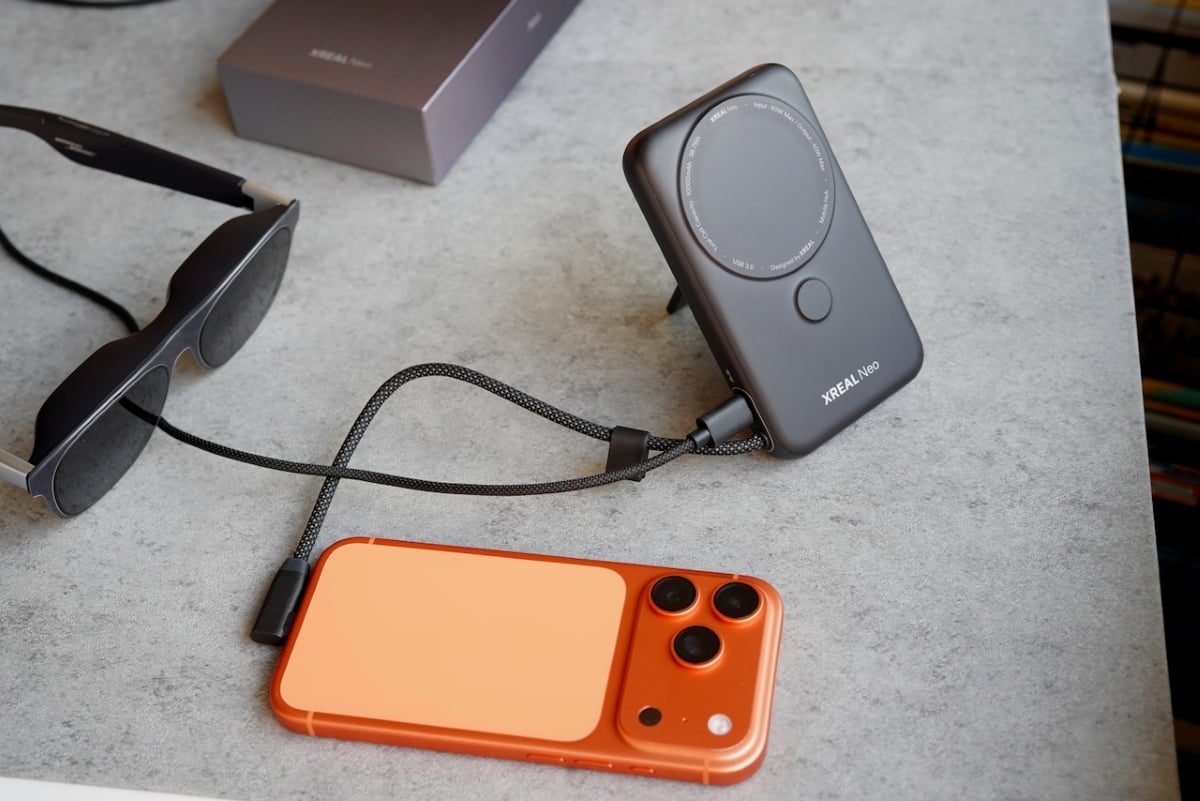
While the 1S can pretty much do it all, XREAL sells an add-on device: the Neo. Neo combines a 10,000 mAh battery with a DisplayPort hub that keeps your phone or handheld powered during long sessions instead of draining it. It’s needed to hook up with a Nintendo Switch 1 or Switch 2. The device itself is well-designed, with a built-in stand and magnetic dock, though setups can get a little complicated with all the cables.
Audio is easily the weakest part of the experience. The speakers are very unimpressive, despite being powered by Bose. I found them tinny with no bass. I’d prefer to listen to my laptop speakers. They’re still fine for gaming or in a pinch, but don’t throw out your headphones.
There’s a “Real 3D” feature that can turn any content 3D. It actually works well and adds perspective to any content with very little latency. That said, it’s a gimmick akin to spatial audio — it doesn’t add much and feels more unnatural than natural. It’s worth trying, but most folks won’t use this feature much.
How It Compares
Compared to VR headsets like the Meta Quest, the XREAL 1S is far less immersive but also far less isolating. You are never sealed off from your surroundings, which makes longer sessions more comfortable and practical. VR excels at presence and escapism, while the 1S prioritizes flexibility and convenience.
If you want to feel transported somewhere else, this isn’t the right product. If you want a large screen you can use without cutting yourself off from the world, it makes a lot more sense. They’re also much more comfortable and easy to put on and take off than VR headsets.
Against a traditional monitor, the benefit is portability, privacy, and screen size. A real monitor is easier on your eyes for all-day work and better for multitasking with physical peripherals. The XREAL 1S gives up some long-term comfort in exchange for mobility and the ability to work or watch content in places where a monitor isn’t practical. It’s not a permanent desk replacement, but it works well as a mobile one.
Within XREAL’s own lineup, the 1S feels like a refined, more approachable member of the family. Earlier XREAL models like the Air and Air 2 are capable, straightforward wearable displays, but the 1S brings built-in stabilization and deeper on-device controls without adding complexity or cost.
Compared to higher-end models like the XREAL One or One Pro, the 1S sacrifices a bit of field of view and premium accessory ecosystem in exchange for simplicity and affordability. It lands in the sweet spot where the experience feels high quality without a premium price tag.
What sets the 1S apart from many competitors is that it strikes a balance between ease of use and capability. Some competing glasses focus on simplicity and basic display mirroring, while others push into premium AR territory with features like built-in vision correction or transparent lenses.
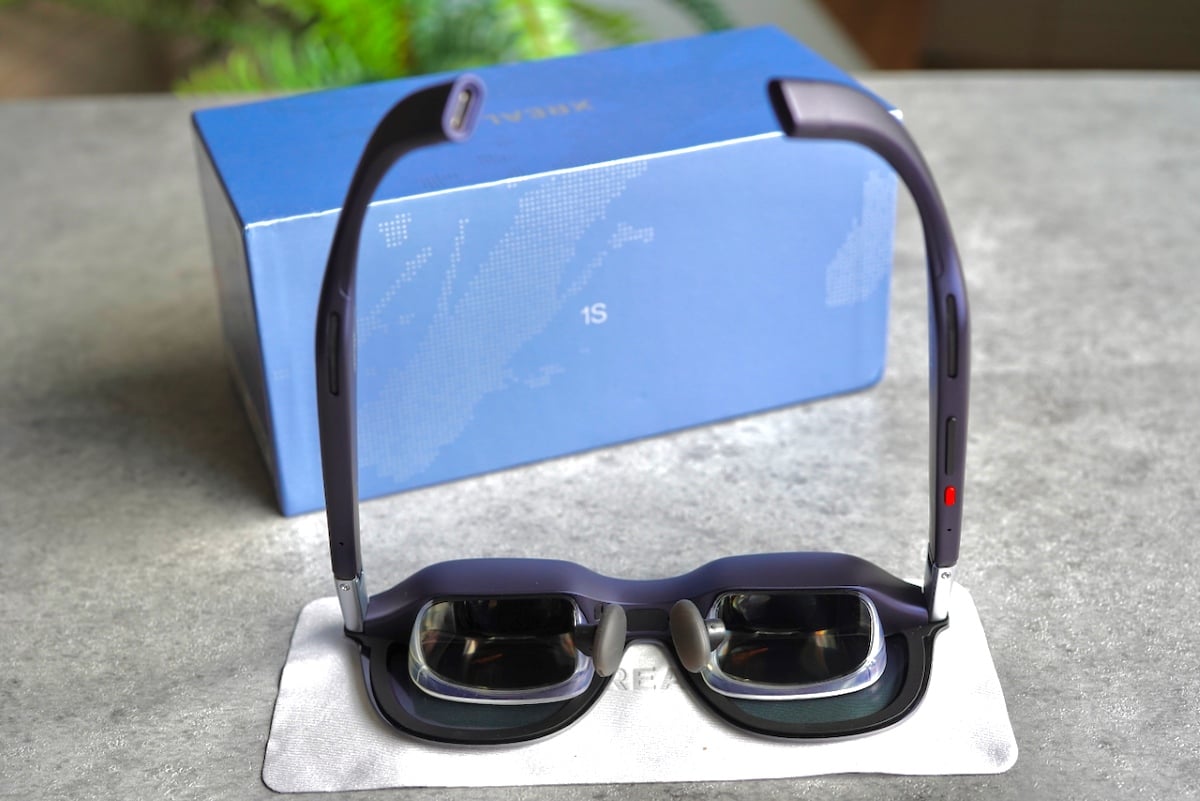
The 1S doesn’t chase every spec headline. Instead, it focuses on solid brightness, sharp imagery, stable tracking, and flexible controls that matter in real use. While there’s no built-in vision correction, you can buy prescription lenses that easily pop in.
Gaming also highlights this balance. Compared to playing on a phone or handheld alone, the sense of scale is far more engaging. It’s not VR immersion, but it feels closer to playing on a massive TV than staring down at a small screen, and that experience is part of why this category is starting to make practical sense.
Final Thoughts
The XREAL 1S feels like the best time yet to get into wearable displays if the idea of a massive, private screen for media, gaming, or mobile work sounds appealing.
Built-in stabilization and deep on-device controls remove much of the friction that made earlier models feel experimental, and once dialed in, the experience can be genuinely impressive. Watching video or playing games on a screen this large highlights why this category exists in the first place.
At the same time, it didn’t make us want to ditch traditional screens altogether. You never fully forget you’re wearing a display, interacting with phones can be awkward, and console gaming adds extra complexity with the $99 Neo accessory. The speakers are also a weak point, but usable.
Still, priced at $449, the XREAL 1S strikes a rare balance, feeling far more refined than entry-level wearable displays without the cost or commitment of premium AR headsets. If you’ve been curious about this space, it’s the most compelling entry point we’ve used so far.