
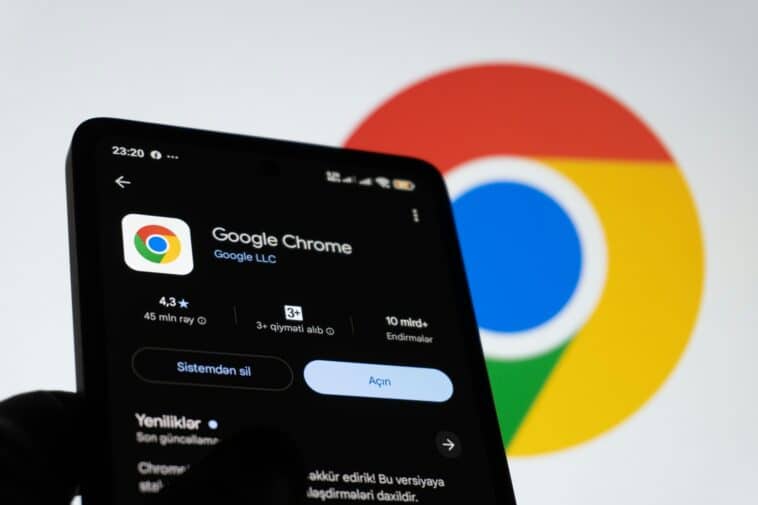
Google is rolling out a major Chrome update for desktop that fixes 230 security vulnerabilities, including one that attackers are already exploiting in the wild. The update moves Chrome to version 153.0.8010.36/.37 on Windows and Mac and 153.0.8010.36 on Linux.
Chrome is supposed to update itself. But if you are the type who keeps 47 tabs open for three weeks straight, you should check manually.
One of the bugs is already being exploited
The vulnerability getting the most attention is CVE-2026-87491, an out-of-bounds write flaw in Chrome’s V8 JavaScript engine. Put simply, V8 is the part of Chrome that handles JavaScript, the code that makes websites interactive. A malicious webpage could potentially exploit this bug by getting you to load a specially crafted page. That could allow an attacker to execute their own code inside Chrome’s security sandbox.
The sandbox matters because it is designed to keep browser code contained rather than giving it unrestricted access to your computer. But an attacker getting a foothold simply because you visited a malicious webpage is still a pretty unpleasant situation.
Chrome has more than one problem to fix
CVE-2026-87491 isn’t the only security issue being patched. The update also addresses five Critical vulnerabilities, including four involving WebGL, the browser technology that lets websites display interactive 2D and 3D graphics without requiring additional plugins.
So, while the actively exploited V8 vulnerability is the big reason to pay attention, the rest of the update is doing plenty of security housekeeping too.
How to update Chrome manually
Chrome will normally download updates automatically, but that process can get delayed if you rarely close the browser or something interferes with the update. Checking takes about 30 seconds.
Click the three-dot menu in the top-right corner of Chrome, then go to “About Chrome” in “Settings.” Chrome will check for an available update and begin downloading it automatically. Once it is ready, restart the browser to finish installing it. That’s it.
You can also find Google’s version information and more detailed update instructions through its Chrome release documentation.
One way to be sure
There is really no cause for panic here. But you also don’t need to leave a browser vulnerability that’s already being exploited sitting on your computer longer than necessary. Check your Chrome version, install the update and restart the browser. Only then can you be sure your device is safe.
Source: Malwarebytes