We’ve all been there. You’re applying for a dream job or sending a formal invite, but you’re still tethered to a cringey Gmail handle you created back in 2008. Whether it’s a relic of your “edgy” high school phase or a messy string of random numbers that you begrudgingly got stuck with, that old Gmail address has a way of haunting your everyday life – especially your professional one.
For years, Google’s stance was essentially “deal with it.” So if you wanted a new address, you were forced to start from scratch. That meant migrating all of contacts, filters, and Drive files. It was a total pain and nothing short of a digital nightmare that most of us just don’t have the energy to tackle.
You can finally ditch that embarrassing old Gmail address
But finally, the tech gods have listened to our collective groans. Google is rolling out a feature that lets you officially swap your primary Gmail handle without the “scorched earth” approach of having to delete your entire account. And even better – your old email will still be available as an alternate address.
This is not an April fools story but this new Gmail feature rollout is hitting accounts in phases. If you don’t see the option in your “Personal Info” settings just yet, hang tight because it’s on the way. It’s finally time to put your old alias to rest and embrace a username that doesn’t make you cringe every time you hit send.
How to swap your old Gmail address for a new one
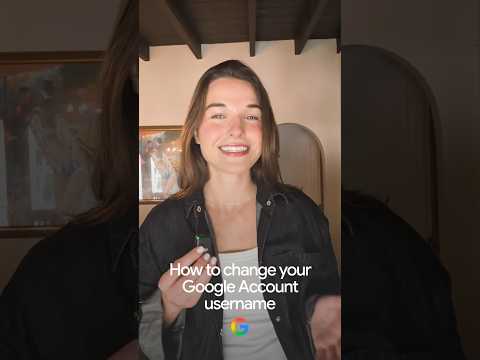
The video below outlines the steps on how to change your Gmail account username in a few simple steps: