
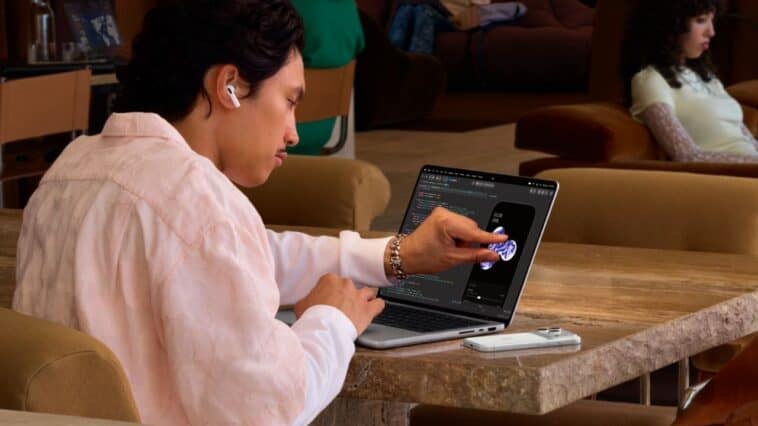
After years of keeping touchscreens off its MacBooks, Apple is finally changing course. The company has introduced its first touchscreen MacBook, the MacBook Pro with a PROLED XDR display, offering a new way to interact with macOS. The laptop is available in 14-inch and 16-inch models, starting at $2,899 and $3,399, respectively.
Beyond the touchscreen, Apple is introducing tandem OLED technology, the powerful M5 Pro chip, and new AI features designed to make work and everyday tasks easier. The new MacBook Pro is a big step for Apple, especially for people who want the convenience of an iPad without giving up a Mac’s power. You can now tap, swipe, pinch, and drag items directly on the screen while still using the familiar keyboard and trackpad.
Apple’s First Touchscreen MacBook Changes How You Work
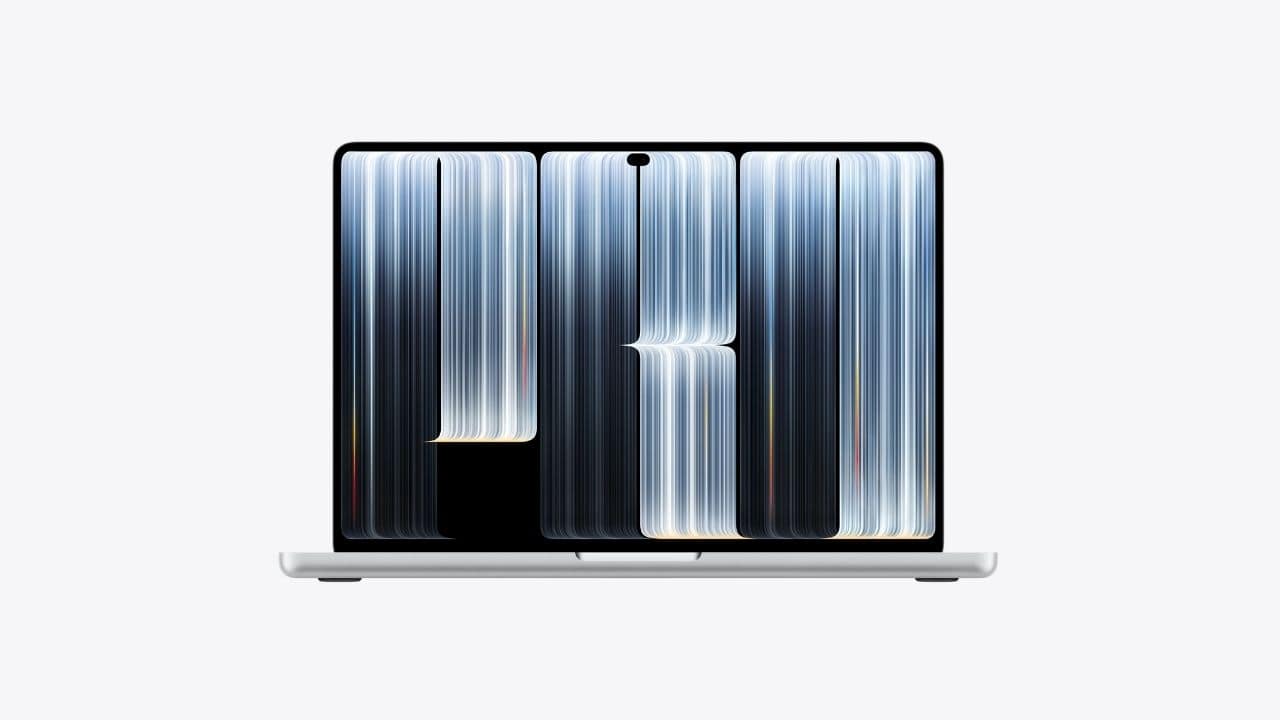
The biggest news is the touchscreen, a feature that Windows laptop users have enjoyed for years but Apple has traditionally avoided on Macs. Now, the company is bringing touch controls directly to the MacBook Pro display.
The touchscreen sensor is built into the display panel rather than sitting on top of it, reducing the delay between touching the screen and seeing a response. You can scroll through documents, pinch to zoom into photos, move windows around, and drag slides between presentations using your fingers.
Apple is also bringing touch controls to professional apps. Designers can rotate and manipulate 3D models directly on the screen, developers can test touch interactions in their iOS apps, and music producers can adjust controls or play virtual instruments with their fingers.
The New PROLED XDR Display Is a Big Deal
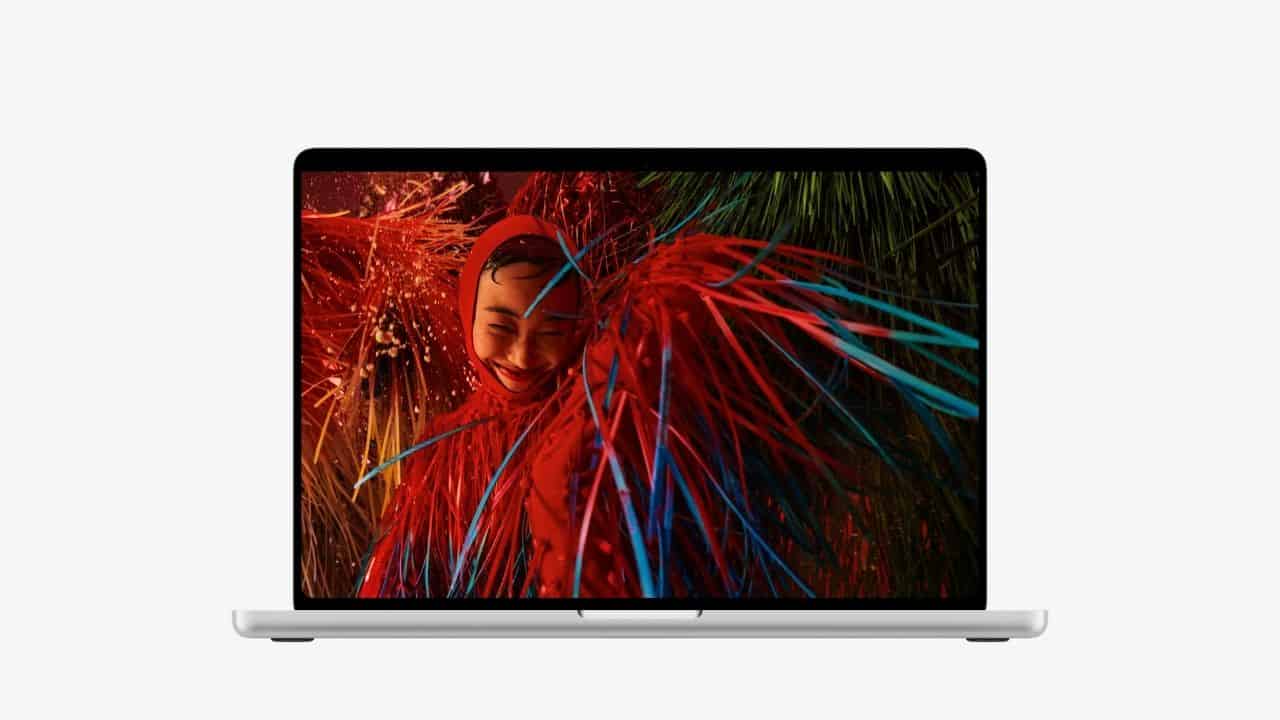
The touchscreen isn’t the only major display improvement. Apple is also introducing its new PROLED XDR display, which uses tandem OLED technology to deliver richer colors, deeper blacks, and impressive brightness.
Unlike traditional LCD screens, OLED pixels produce their own light. This allows the display to show deep blacks alongside bright highlights without the glowing effect that can sometimes appear around bright objects on darker screens.
Apple takes it further by stacking two OLED layers, pushing peak HDR brightness to up to 2,000 nits. That should make a noticeable difference when editing HDR videos, watching movies, or working with detailed images.
The display also supports both P3 and Adobe RGB color spaces, which is particularly useful for photographers, video editors, and graphic designers who need accurate colors. A photo you’re editing for print, for example, can benefit from the wider Adobe RGB color coverage.
It also has ProMotion, an adaptive refresh rate from 10Hz to 120Hz. This makes scrolling, animations, and touch gestures smoother while letting the display adjust its refresh rate when full speed isn’t needed.
M5 Pro and M5 Max Bring More Power for Creative Work and AI
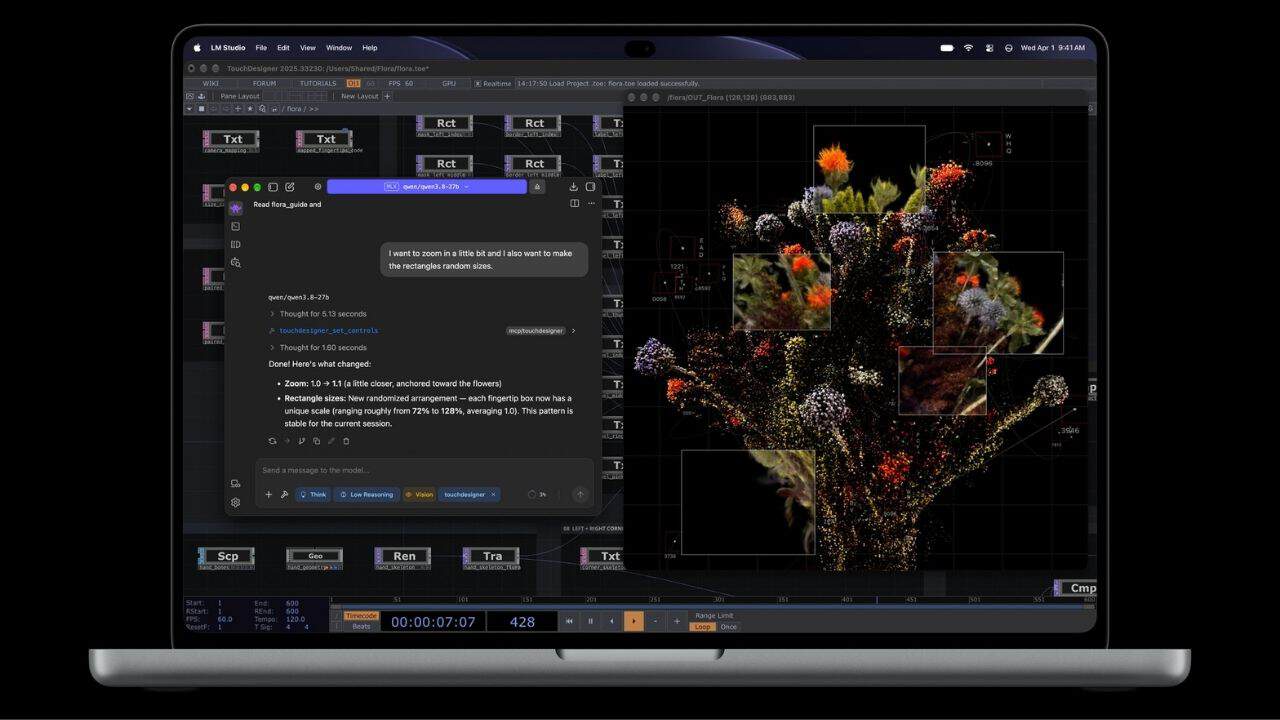
You can configure the new MacBook Pro with either an M5 Pro or M5 Max processor. The M5 Pro configuration starts with 24GB of RAM and a 1TB SSD, while the M5 Max configuration starts with 36GB of RAM and 2TB of storage.
The chips deliver the performance needed for demanding tasks such as video editing, 3D modeling, software development, and graphics-heavy applications. Video editors can work with high-resolution 4K and 8K footage, while designers working in Blender or other 3D applications can also benefit from improved graphics performance and Apple’s latest ray-tracing technology.
Additionally, these chips are designed to handle demanding AI tasks directly on the laptop, including running local language models, enhancing videos, and generating images. So it’s no surprise that the new MacBook Pro also supports Apple Intelligence and Siri AI, giving users access to more conversational assistance and AI-powered tools across supported apps.
Dynamic Island Comes to the MacBook Pro
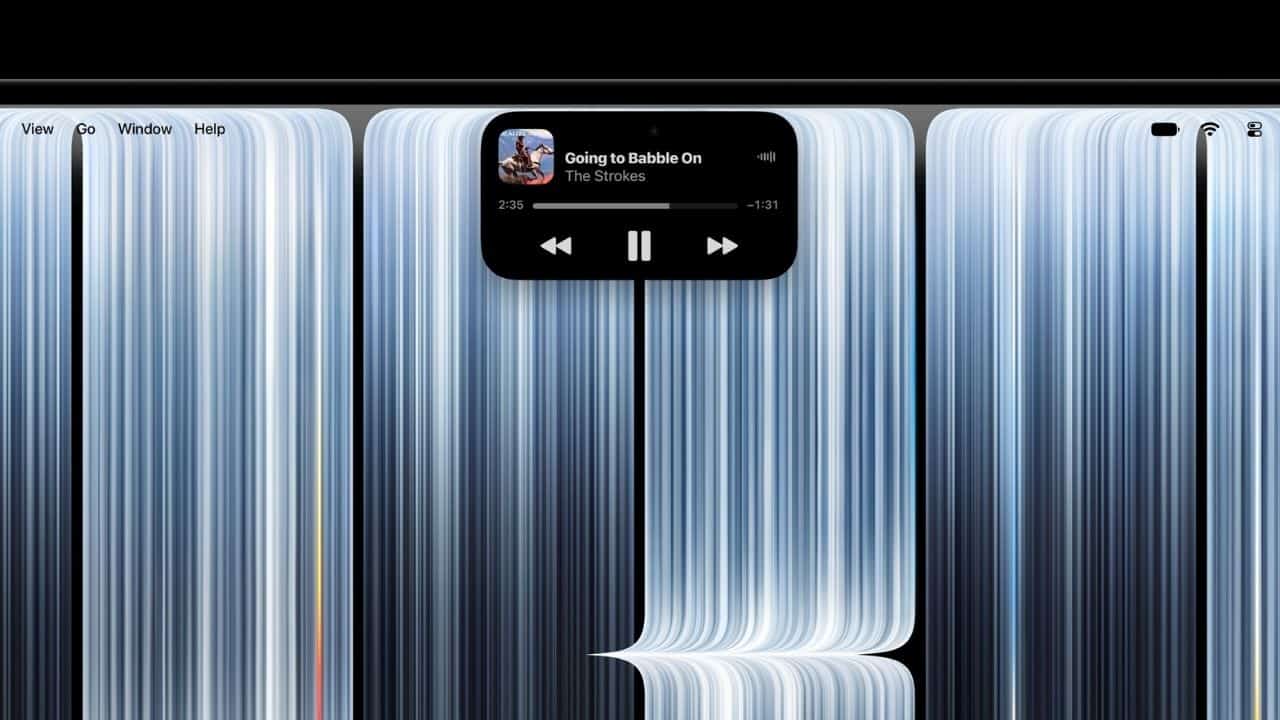
Another feature making the jump from the iPhone to the Mac is Dynamic Island. Apple has redesigned the area around the camera to make it more useful, turning it into a place where you can access information and controls without switching between apps.
Dynamic Island brings together Spotlight, Live Activities, and Siri AI in one convenient location. You can search for files, control music, check ongoing activities, or ask Siri a question while keeping your main workspace open.
Where to Pre-Order Apple’s Touchscreen MacBook Pro
The new MacBook Pro with PROLED XDR display starts at $2,899 and is available for pre-order in 14-inch and 16-inch sizes. The touchscreen, tandem OLED display, and powerful Apple silicon make this one of the biggest changes to the MacBook Pro lineup in years.
If you’ve been waiting for Apple to bring touch controls to a Mac, there’s finally an option worth exploring, whether you prefer a smaller laptop for travel or a larger screen for creative work.