
Imagine glancing at your phone only to find your morning schedule replaced by a wall of frantic warnings. Instead of a 10:00 AM meeting, your lock screen is shouting about expired antivirus subscriptions, “urgent” security breaches, and unclaimed prizes waiting in the wings.
This is the new face of digital clutter that iPhone users are increasingly coming across.
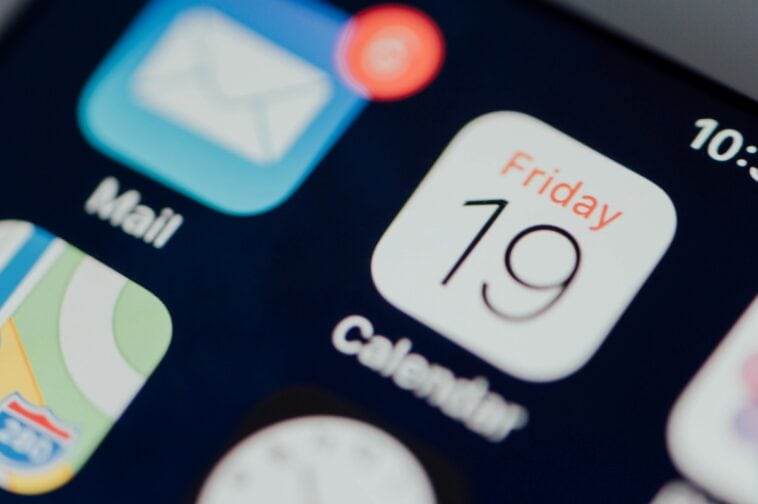
The notifications usually appear as calendar events claiming the phone has been infected, that a prize has been won, or that an account will be locked. Security researchers say the alerts are not caused by malware but by unwanted calendar subscriptions.
Why These Alerts Don’t Get Blocked
The problem usually begins when a user taps a link in a message, email, or website that prompts them to add or subscribe to a third-party calendar feed, a feature usually meant for syncing things like work schedules and holiday lists. Once you hit subscribe and the subscription is approved, events from that calendar begin appearing directly in the device’s calendar and notification system.
It’s a clever enough workaround because the alerts get delivered to you as calendar events; rather than email messages, they can appear even if the original message that triggered the subscription was filtered into spam.
The events in question often include links directing users to external websites that may attempt to collect personal information such as login credentials or payment details.
Removing the spammy alerts usually requires deleting the calendar subscription responsible for them. On an iPhone, users can review and remove unknown subscriptions through the Calendar accounts section in the Settings app or directly inside the Calendar app.
Security experts say that although the alerts may appear alarming, that does not necessarily mean that the device itself has been compromised. In most cases, the issue is limited to the unwanted calendar subscriptions generating the events.
Essentially, analysts recommend that you avoid clicking on links that appear in messages of unknown origin and that you regularly check your list of subscribed calendars to make sure only trusted sources remain active.
Sources: Apple Support, Malwarebytes, Fox News